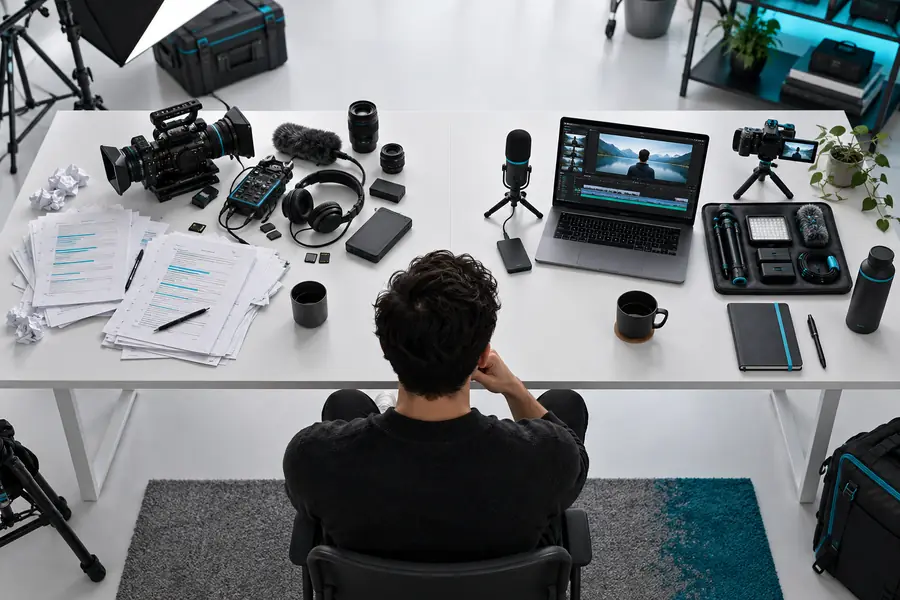
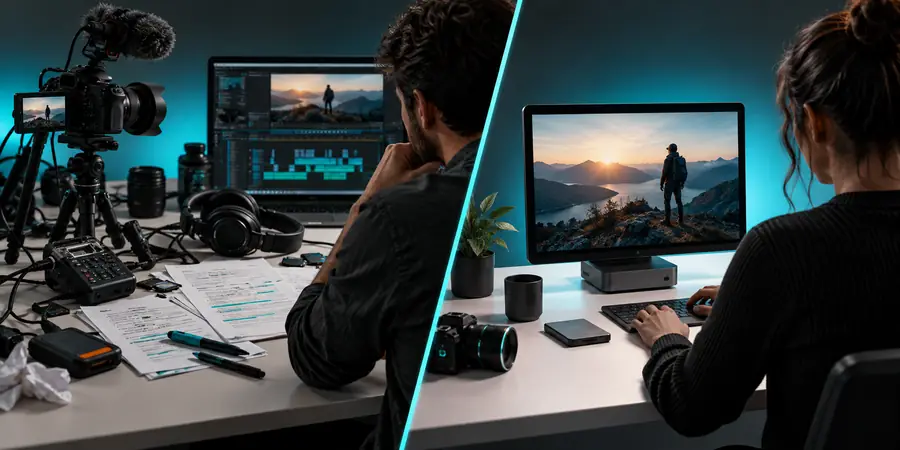
Vrew alternatives make sense when your editing workflow, collaboration needs, or preferred level of automation no longer matches one tool. This guide compares the practical trade-offs without treating every video editor as interchangeable.
The best choice depends less on a feature checklist than on the person doing the work, the source footage, and the result the audience needs.
Solo educators
You record lessons, explainers, or screen-based teaching videos and want spoken content to guide the edit.
A transcript-led workflow can reduce the friction between recording and a clear first cut. Read what is Vrew before deciding whether that approach matches your lessons.
You publish frequent clips and need a repeatable way to tighten dialogue, remove pauses, and prepare captions.
A focused editor may be more useful than a feature-heavy suite when speed and consistency matter more than elaborate compositing. Review Vrew AI to understand where automation may help.
Your audience depends on readable captions, translated dialogue, or a searchable text record of each video.
Choose the workflow that keeps subtitle editing close to the spoken content instead of treating captions as a final afterthought. The AI video subtitle guide explains that use case.
You make internal updates, product explainers, or customer videos only a few times each month.
A familiar general-purpose editor may win if setup time is more important than specialized automation. A Vrew tutorial can help you estimate the learning curve before migrating.
A careful move from one editor to another protects your source files, preserves your publishing rhythm, and gives you a fair comparison instead of a rushed first impression.
1
Audit the current workflow
List the steps you repeat most often: importing footage, shaping spoken content, correcting subtitles, adding visuals, exporting, and handing files to collaborators. Mark which steps are genuinely slow and which are simply familiar.
2
Rebuild one representative project
Choose a real video with ordinary footage, natural speech, and the level of caption work you usually need. Recreate it in the candidate tool rather than judging from a polished demo.
3
Compare the finished handoff
Check the final video, subtitle corrections, review process, export path, and time spent fixing mistakes. Keep the workflow that produces a dependable result for your audience, even if its interface looks less familiar.
Verdict: compare the workflow, not just the feature list
There is no universal winner among Vrew alternatives. Use the side-by-side view below as a decision frame, then validate it with one representative project from your own library.
Vrew
A conventional video editor
Starting point
Vrew
Speech and video can be considered together when the project is driven by spoken content.
A conventional video editor
The timeline is usually the main starting point, with speech handled as one layer among many.
Transcript-led editing
Vrew
A natural fit when changing the spoken structure is part of shaping the edit.
A conventional video editor
Often requires more manual navigation between audio, video, and text references.
Visual compositing
Vrew
Useful for straightforward explainers, lessons, and talking-head projects.
A conventional video editor
Usually stronger for complex layers, detailed effects, and highly customized visual timelines.
Subtitle workflow
Vrew
Subtitle work can sit close to the transcript and spoken edit.
A conventional video editor
Caption tools vary widely and may be separate from the main cutting workflow.
Learning priority
Vrew
Best judged by how quickly the text-to-video relationship becomes understandable.
A conventional video editor
Best judged by timeline control, media organization, and breadth of editing controls.
Collaboration handoff
Vrew
Works well when the team shares a clear, content-focused review process.
A conventional video editor
May suit teams already standardized on a broader production and asset-management system.
Ideal project shape
Vrew
Spoken videos where clarity, revision, and captions are central.
A conventional video editor
Projects where effects, layered graphics, detailed audio work, or precise compositing dominate.
Switching cost
Vrew
Lower when your source work is transcript-heavy and your current process is manual.
A conventional video editor
Lower when your team already has templates, plugins, and established timeline habits.
Unclear fit
Tested workflow
Use one representative project for a fair before-and-after comparison.
Where this comparison has limits
A comparison can narrow the decision, but it cannot replace testing your own footage, review habits, and delivery requirements.
It cannot name one universal winner
The strongest option changes with project type. A subtitle-heavy lesson and a graphics-heavy campaign can reward very different tools.
Workaround
Score each option against one real project, not against a generic feature checklist.
It cannot verify every current feature
Editing products change interfaces, plans, integrations, and supported workflows over time, so a static comparison should not be treated as a product guarantee.
Workaround
Confirm the current capability inside the product before moving an important project.
It cannot measure your team’s learning curve
An interface that looks simple may conflict with established habits, while a broader editor may be familiar to your collaborators.
Workaround
Let the people who will edit and review the work complete the same short trial.
It cannot preserve every project automatically
Moving editors may require rebuilding timelines, subtitle corrections, assets, templates, or review links rather than opening an identical project file.
Workaround
Keep the original project untouched and migrate a copy with source media and final exports archived.
Choose your next editing test
The most useful way to assess Vrew alternatives is to put one ordinary project through the workflow you actually use. Start with the content, caption, and review demands that usually determine whether editing feels manageable.
These answers address the practical questions people ask when comparing Vrew with other video editing approaches.
The right alternative depends on the job rather than on a single ranked list. General-purpose timeline editors may suit complex visual composition, while transcript-centered tools may suit spoken videos, lessons, and subtitle-heavy work. Compare the workflow you need before comparing brand names.
Start with one representative project and record the time spent on importing, cutting speech, correcting subtitles, adding visuals, reviewing, and exporting. Choose the tool that handles your repeated bottleneck with fewer workarounds, not simply the tool with the longest feature list.
Some alternatives are better for specific professional requirements, such as advanced compositing, detailed audio mixing, or established team pipelines. Vrew may be a stronger fit when spoken content, transcript-led changes, and subtitle work are central, so the answer depends on the production style.
Do not assume that a project will transfer perfectly between editors. Preserve the original project, source media, subtitle files, and final export, then rebuild a copy in the candidate tool so you can identify missing assets, timeline differences, or review changes before committing.
Yes. A short but representative project is usually more informative than a polished demo because it exposes the real friction in speech editing, captions, visual additions, and delivery. Use the same source video in each workflow and compare the finished result as well as the editing time.